Introduction
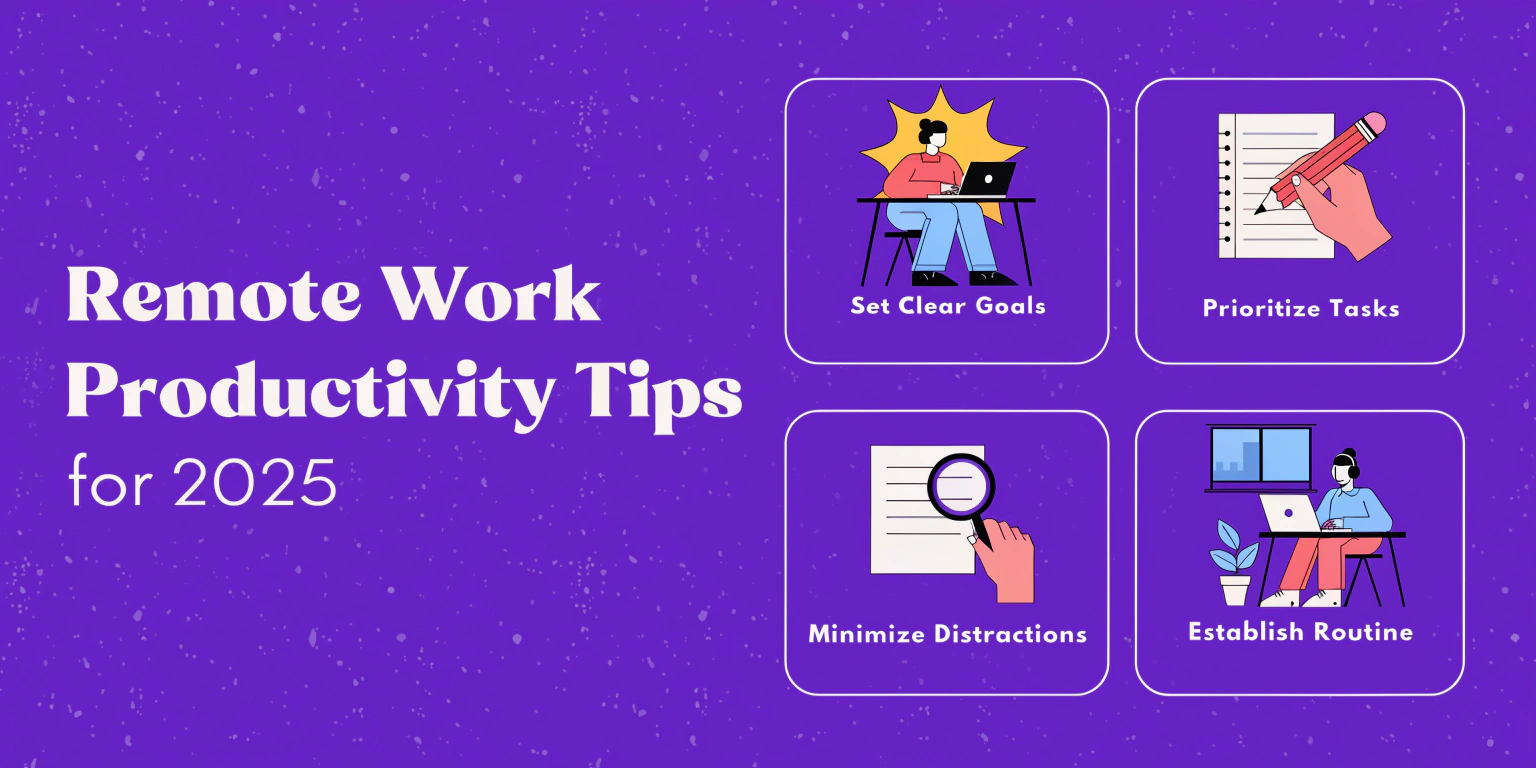
Remote work is now a standard part of professional life in 2025. However, staying productive outside a traditional office requires strategy, discipline, and the right tools. These remote work productivity tips will help you maintain focus, manage your schedule, and achieve goals efficiently.
In this guide, beginners and experienced remote workers alike will discover practical tips to reduce distractions, set boundaries, optimize workflows, and leverage technology. We’ll cover techniques for task management, communication, time tracking, and AI tools to streamline work. Real-world examples and actionable advice make it easy to implement these strategies in daily routines, ensuring you stay productive while enjoying the flexibility of remote work.
Why Remote Work Productivity Matters

Maintains high performance outside office
Prevents burnout and distractions
Supports work-life balance
Boosts career growth and opportunities
Internal Link:
See Time Management Techniques 2025 for complementary strategies.
Tip 1 – Designate a Dedicated Workspace
Choose a quiet, comfortable area
Minimize distractions
Use ergonomic furniture to prevent fatigue
Tip 2 – Set Clear Goals and Priorities
Daily, weekly, and monthly goals
Break tasks into actionable steps
Prioritize high-value activities
Tip 3 – Implement Time Management Techniques
Pomodoro method: 25-min focus intervals with 5-min breaks
Time blocking for deep work sessions
Task prioritization using Eisenhower Matrix
Internal Link:
Check Time Management Techniques 2025 for detailed guidance.
Tip 4 – Leverage Productivity and AI Tools
Notion AI – Organize tasks, projects, and notes
Trello or ClickUp – Track team projects and deadlines
Clockify – Time tracking for better accountability
Tip 5 – Limit Distractions
Turn off unnecessary notifications
Use website blockers like Forest or Freedom
Communicate availability with team members
Tip 6 – Take Regular Breaks
Short breaks improve focus and reduce fatigue
Walk, stretch, or practice mindfulness
Schedule longer breaks to prevent burnout
Tip 7 – Maintain Communication and Collaboration
Regular check-ins with team members
Use collaboration tools like Slack, Zoom, or Microsoft Teams
Share progress and feedback consistently
Common Mistakes Beginners Make
Mixing work and personal life in the same space
Overworking without breaks
Ignoring task prioritization
Failing to communicate with remote team
Real-World Example: Remote Work Efficiency
Mini Case Study:
A freelancer set up a dedicated home office, used Notion AI for task tracking, and applied Pomodoro technique. Within two weeks, task completion increased by 40%, and stress levels decreased significantly.
FAQs
Q1: How can I stay productive while working
Create a dedicated workspace, set clear remotely?goals, manage time effectively, and leverage productivity tools.
Q2: Which tools help remote work productivity?
Notion AI, Trello, ClickUp, Clockify, Slack, and Zoom are effective.
Q3: How can I avoid distractions at home?
Turn off notifications, use website blockers, and communicate boundaries with family or housemates.
Q4: How often should I take breaks?
Use short breaks every 25–50 minutes and schedule longer breaks to prevent fatigue.
Q5: Can AI tools improve remote work efficiency?
Yes, AI tools help organize tasks, automate repetitive work, and provide actionable insights for better workflow.
Internal Links Used
Time Management Techniques 2025
Best Productivity Apps 2025
External Links (High Authority)
Notion AI Official Site
Trello Official Site
ClickUp Official Site
Clockify Official Site
Slack Official Site
Zoom Official Site